

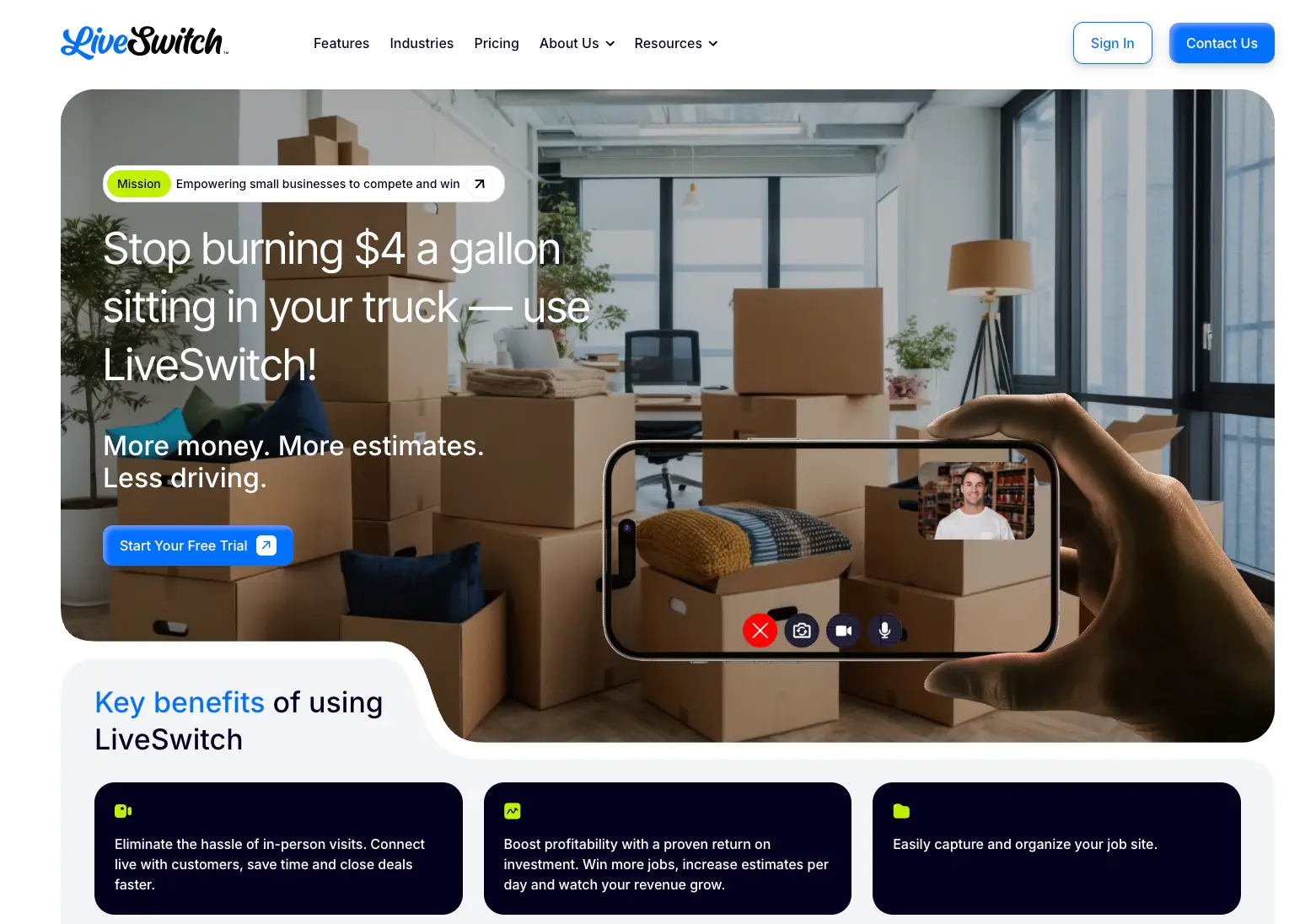
Every estimate that requires rolling a truck costs a home service business two things it can never get back: time and fuel. A single round trip for a quote that does not close can eat an hour of drive time, a tank of gas, and the chance to book the job down the street that needed someone today. Multiply that across a week of windshield time and the math gets ugly fast. Live video quoting was built to solve exactly this problem, and LiveSwitch has become one of the most talked-about platforms in the space.
This is a hands-on LiveSwitch review written for service business owners who are deciding whether the platform earns a place in their sales process. We cover what LiveSwitch does, how the workflow runs from first contact to closed job, what its Sparky AI assistant brings to the table, real pricing structure, the return on investment owners can expect, and the trades that get the most value from it. Full disclosure: Streamline Results is a LiveSwitch partner. That relationship is why we know the product well, and it is also why this review stays grounded in where the tool fits and where it does not.
What Is LiveSwitch?
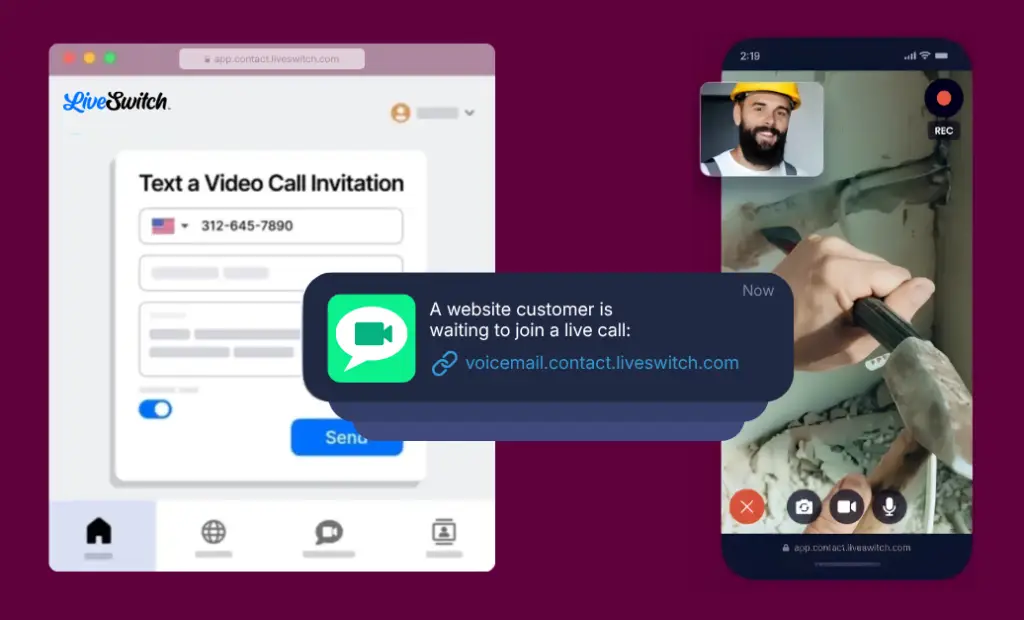
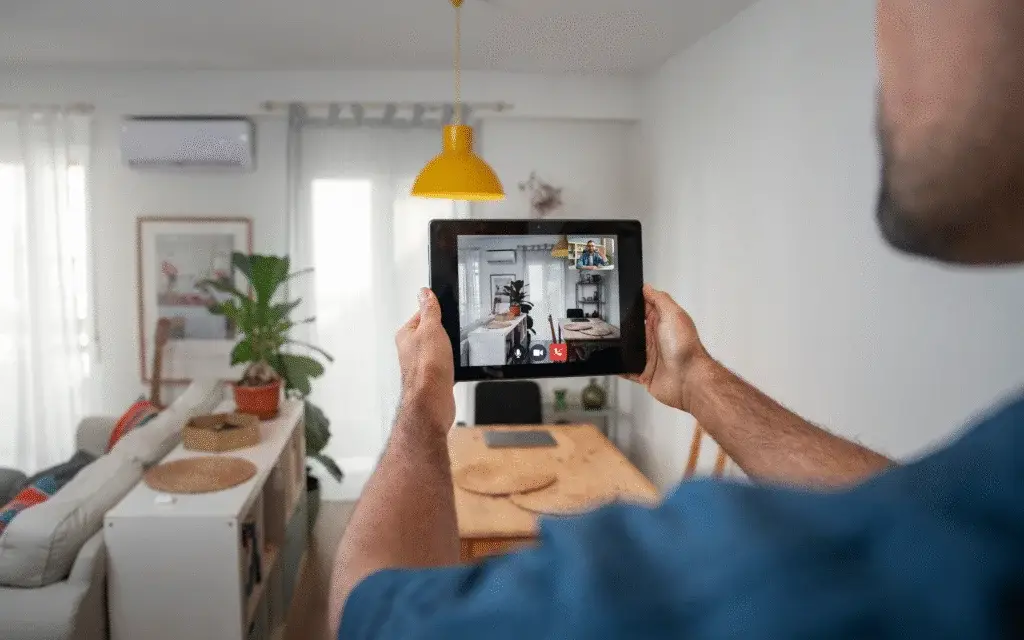
LiveSwitch is a video communication platform built for field service businesses to run virtual estimates, document job sites, and resolve issues remotely without driving on-site for every interaction. The core product, LiveSwitch Contact, lets you text a customer a link that opens a live video session in their browser. No app download. No account creation. The customer taps the link and you are seeing their driveway, their attic, their pool equipment pad, or their roofline in real time.
The platform grew out of serious video engineering. LiveSwitch originally built a developer SDK on WebRTC, the same low-latency video technology that powers professional conferencing tools, and then packaged that capability into a product non-technical trades could use in seconds. That heritage shows up in call quality and reliability, which matters when a dropped connection means a lost lead. Today the company positions itself around three offerings: LiveSwitch Contact for virtual estimates and documentation, LiveSwitch Video for branded conferencing with no downloads, and Sparky, an AI assistant that turns photos and short videos into reports and estimates.
The strategic point is simple. LiveSwitch is not trying to be your CRM or your dispatch software. It is the layer that replaces the in-person visit, and it is designed to drop into the sales and operations process you already run.
How LiveSwitch Works: From First Call to Closed Job
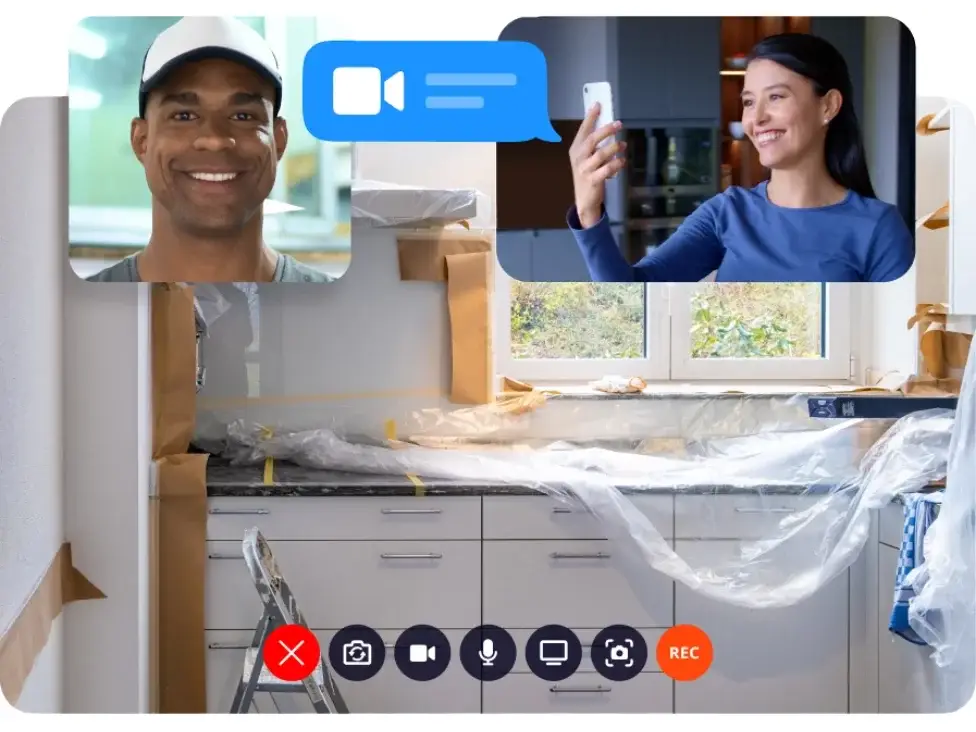
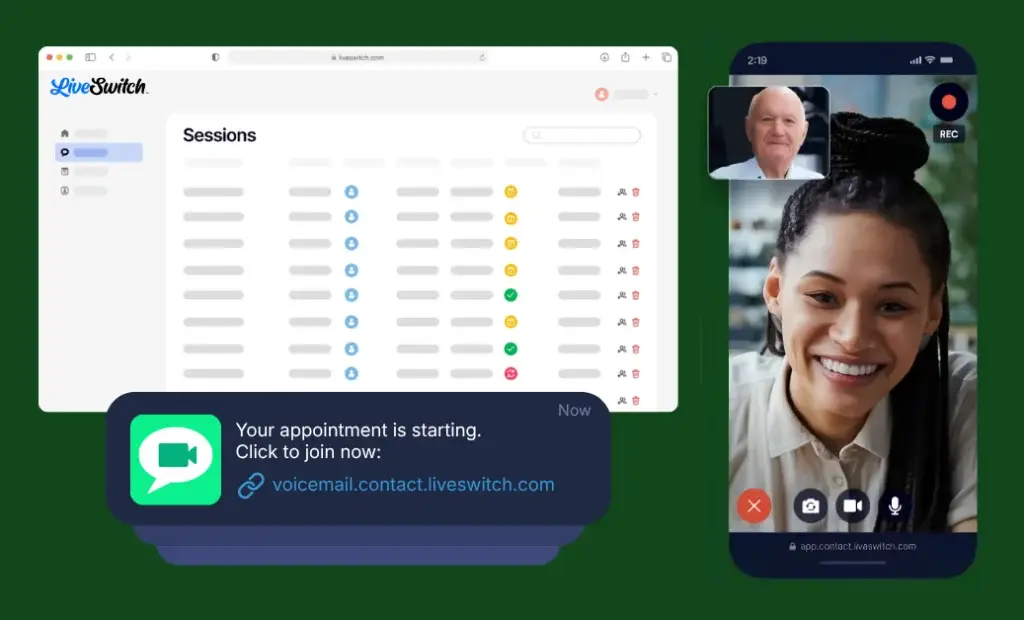
The LiveSwitch workflow is built to compress the time between a lead coming in and a quote going out. When a prospect calls or fills out a form, you send a one-click video link by text. They join a live session from their phone, walk you through the space, and you see exactly what you would have driven out to inspect. You can take structured notes during the call, capture photos and stills from the live feed, and use on-screen markup tools to point at the gutter, the breaker panel, or the section of fence in question so there is no confusion about scope.
When a live call is not convenient, LiveSwitch flips to asynchronous capture. You send a record-at-your-convenience link and the customer films the job site whenever they have a minute. The platform sends automated reminders to nudge submissions, which lifts completion rates. Field crews can record photos and video on-site even with no signal, and the files upload automatically once the device is back online. Customers can also kick off a video themselves through embedded web forms or branded QR codes, which means you can collect job-site footage around the clock without anyone picking up the phone.
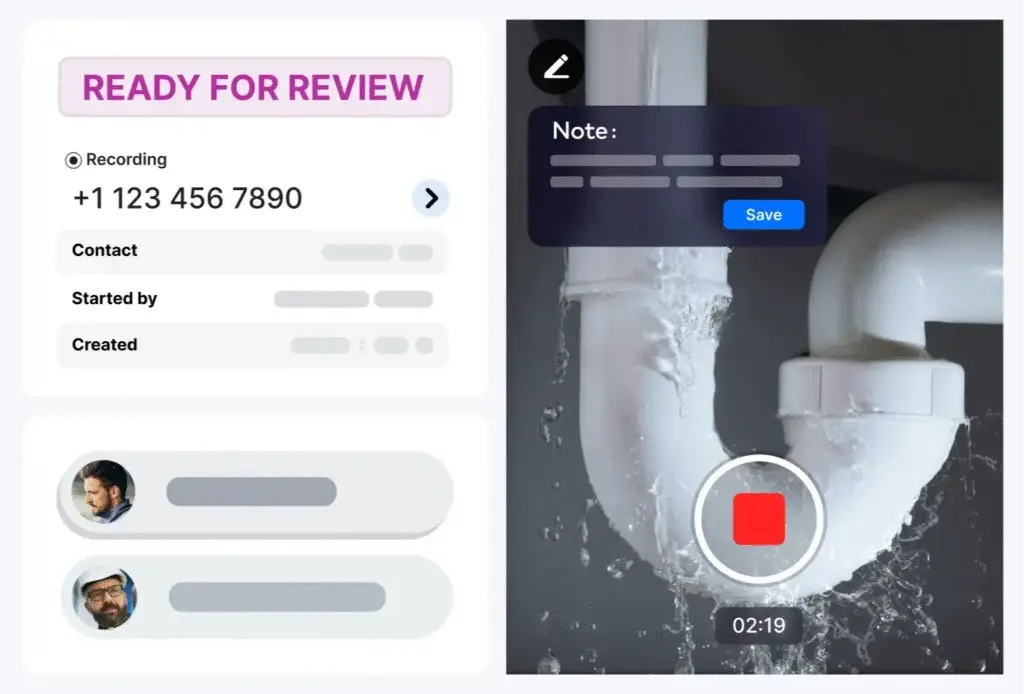
Everything captured lands in organized project storage. Media is tagged, searchable by date, user, or file type, and held in unlimited cloud storage so nothing gets lost between the estimate and the install. Timeline view stitches every upload, comment, and change into one chronological record. Granular permissions let you control who can view versus edit, and a set of integrations pushes that data into the systems you already use. LiveSwitch connects with Jobber, JobNimbus, HubSpot, Builder Prime, SmartMoving, Chariot, and Podium, so a virtual estimate can flow straight into your CRM or job management tool rather than living in a silo.
Sparky AI: Turning a Short Video Into an Estimate
Sparky is LiveSwitch’s AI assistant, and it is the feature that has moved the platform from a video tool to a productivity engine. Launched in 2025 under the name Lucky and since rebranded to Sparky, the assistant analyzes the photos and videos you capture and automatically generates the documents a crew would otherwise build by hand. Feed it a quick walkthrough video and it can produce an itemized inventory, a job summary, surface and space measurements, or a customer-ready recap.
Out of the box, Sparky ships with ready-to-use report templates that run with a single click and require no configuration. These cover the jobs trades repeat constantly: generate an inventory list of everything in a space, create a summary of the work, estimate the size and scope of a job including room and material measurements, and draft a clear message to send back to the customer. For anything outside the presets, you write your own prompt in plain language in under a minute, and Sparky produces a custom report shaped to how your business actually quotes.
The practical effect is that the slow, manual part of estimating gets automated. A mover does not hand-key a household inventory. A painter does not measure wall area with a tape and a calculator. A restoration tech does not retype damage notes into a report after the fact. The video becomes the source of truth and the AI does the transcription, measurement, and formatting. That is where a meaningful chunk of the time savings comes from.
The ROI Case for Live Video Quoting
Industries That Get the Most From LiveSwitch
LiveSwitch is built for visual, field-based trades where an estimate or a problem can be assessed by sight, which is why it spans most of the home services map. The platform fits any business that currently drives to a property to look at something before it can quote, schedule, or resolve it. That covers a wide roster of verticals, and a few stand out as especially strong fits.
Pool service and maintenance is a natural match. A homeowner can walk their phone around the equipment pad, show you the pump, filter, and heater, and let a tech diagnose an issue or scope a repair without a route detour. The same logic applies to pest control, where a customer can show the entry points, the affected rooms, or the exterior conditions driving an infestation so you can quote the right treatment plan before sending anyone out.
HVAC and plumbing benefit on both the sales and the service side. A tech can see the unit, the model plate, the leak, or the panel on video, talk a customer through a quick check, and decide whether a truck even needs to roll. Landscaping and hardscaping, two of the higher-ticket and higher-margin trades in home services, gain a fast way to assess a yard, review a patio or retaining-wall site, and build a scoped estimate from footage rather than a drive across a service area. Roofing crews can review a roofline and document storm or wear damage, and restoration and mold-removal teams can triage damage quickly and keep an audit-ready record for insurance.
Moving companies were among the earliest adopters and remain a flagship use case, using video surveys to build accurate inventories and quote jobs without an in-home walkthrough. Beyond those, LiveSwitch lists fits across cleaning and restoration, electrical, painting, flooring, pressure washing, tree care, irrigation, masonry, handyman and general contracting, property and facility management, real estate, and more. The common thread is the same: if your sales or service process starts with someone looking at a property, video quoting removes the drive.
LiveSwitch Pricing: What to Know
LiveSwitch uses a per-user subscription model with a two-user minimum, billed either monthly or annually. Annual billing carries a meaningful discount, advertised as roughly 30 percent off with several months effectively free compared to paying month to month, so committed users lower their per-seat cost by stepping up to the annual plan. The base subscription covers the live calling, recording, organization, and collaboration features that make up the core platform.
Sparky AI is offered as an add-on rather than being bundled into every plan. The unlimited AI reports option runs in the few-hundred-per-month range depending on whether you are on monthly or annual billing, and it includes a guided setup session to customize your report templates to your business. For trades that quote high volumes or rely on inventory and measurement reports, that add-on is usually where the largest time savings live, so it is worth pricing into the decision rather than treating it as optional polish.
LiveSwitch offers a free trial with no credit card required, which is the right way to validate fit before committing seats. Because SaaS pricing shifts and seat math depends on team size, confirm current numbers on the LiveSwitch pricing page or through your Streamline Results contact before you budget. As a partner, we can often help align the right plan and AI configuration to how your team actually sells.
LiveSwitch Reviews: Strengths and Limitations
Our Take
Frequently Asked Questions
Is LiveSwitch worth it for a home service business?
For most field service businesses that currently drive to properties to quote, yes. LiveSwitch replaces costly truck rolls with live or recorded video estimates, which frees up capacity to quote more jobs without adding staff. LiveSwitch reports an average customer return of 214 percent, and the payback is usually fastest for trades that quote at high volume or over a wide service area.
How much does LiveSwitch cost?
LiveSwitch uses a per-user subscription with a two-user minimum, billed monthly or annually, with annual billing discounted around 30 percent. The Sparky AI reporting feature is an add-on in the few-hundred-per-month range that includes a guided setup. A free trial is available with no credit card required. Confirm current seat pricing on the LiveSwitch pricing page before budgeting.
Does the customer need to download an app to use LiveSwitch?
No. The customer receives a text link that opens a video session directly in their mobile browser, with no app download and no account creation required. This is the feature owners cite most often, because removing that friction is what keeps prospects from dropping off before the estimate happens.
What is Sparky AI in LiveSwitch?
Sparky is LiveSwitch’s AI assistant, launched in 2025 as Lucky and later renamed. It analyzes the photos and videos you capture and automatically generates inventories, job summaries, space and surface measurements, and customer-ready messages. It ships with one-click report templates and also lets you create custom reports by typing a plain-language prompt.
What industries use LiveSwitch?
LiveSwitch is used across home and field services, including pool maintenance, pest control, HVAC, plumbing, landscaping and hardscaping, roofing, restoration and mold removal, electrical, painting, flooring, pressure washing, tree care, cleaning, moving, property and facility management, and general contracting. Any business that assesses a property by sight before quoting is a strong fit.
How is LiveSwitch different from Zoom or FaceTime?
LiveSwitch is built for field service work, not general meetings. It requires no download or login from the customer, captures and time-stamps job-site photos and video, includes on-screen markup and measurement tools, organizes everything in searchable project storage, and uses AI to turn footage into estimates and reports. Consumer video apps do none of that.


